Welcome to Scratch Adventure! This course is the perfect next step for kids who have some experience with Scratch and are ready to take their skills further. Across 24 exciting lessons, students will create games, solve logic puzzles, draw with code, explore the world, and build interactive quizzes and animations—all through fun, project-based learning!
Whether you’re helping a smart ant find its way, designing fireworks, or programming a world map quiz, this course brings creativity and coding together!
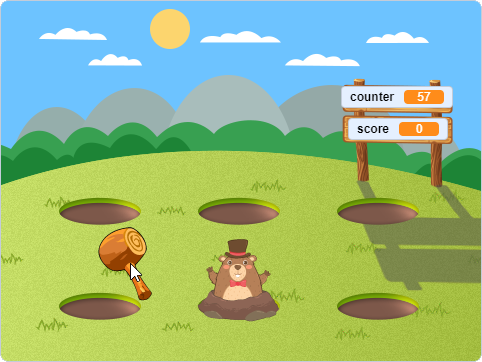
Lesson 1 – Whack-a-Mole
Create a fast-paced whack-a-mole game that builds timing and accuracy skills.
|

Lesson 2 – Miller Bear’s Magic Show
Animate a fun magic trick with Miller Bear using costumes and sprite effects.
|
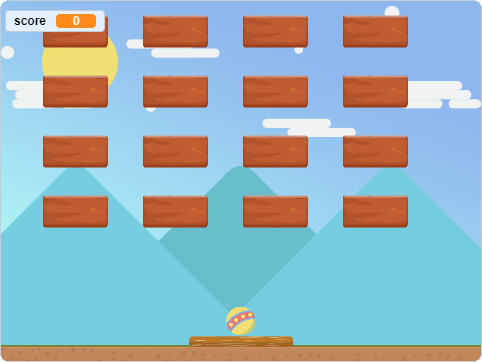
Lesson 3 – Brick Buster
Recreate a classic brick-breaking game using balls, bricks, and paddle controls.
|

Lesson 4 – Roaring Through the Flames
Guide a lion through fiery hoops using arrow keys and jumping logic.
|
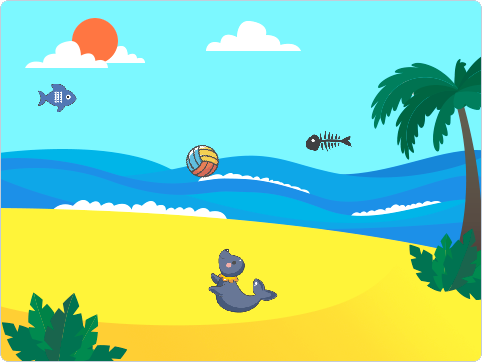
Lesson 5 – Seal Juggle
Program a seal to juggle multiple balls while increasing difficulty.
|
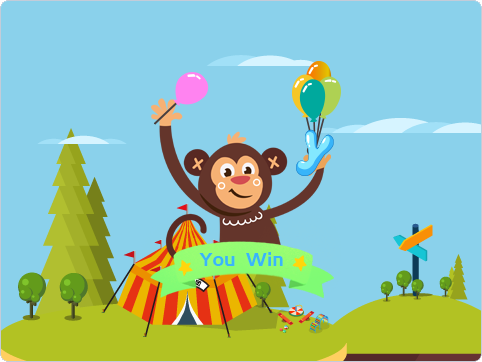
Lesson 6 – Monkey Balloon Grab
Help a monkey catch balloons with smart timing and sprite detection.
|
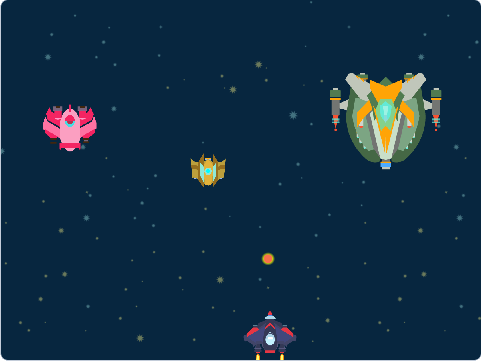
Lesson 7 – Sky Battle
Control a jet in a sky battle using shooting, flying, and enemy detection.
|
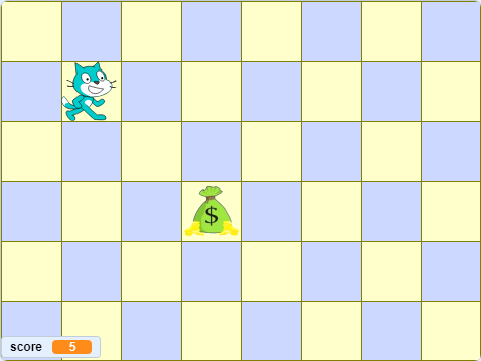
Lesson 8 – Get the Gold
Use a minecart to collect gold coins and avoid falling debris.
|
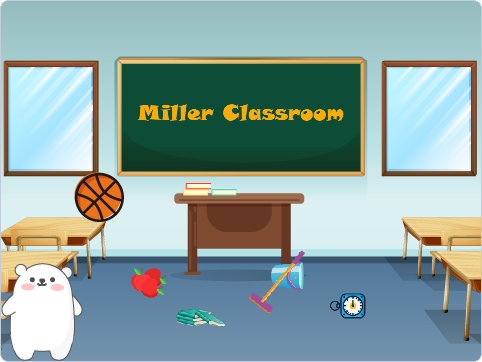
Lesson 9 – Classroom Cleanup Adventure
Drag and drop classroom items into their proper places using lists.
|
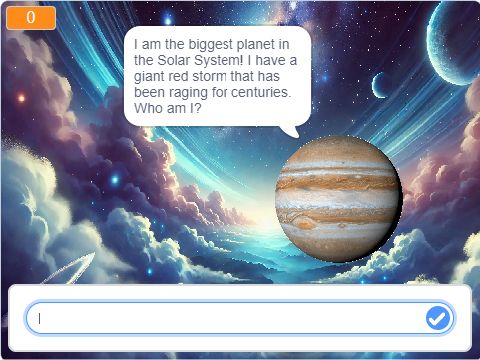
Lesson 10 – Planet Explorer Quiz
Answer questions about the solar system using lists and randomization.
|
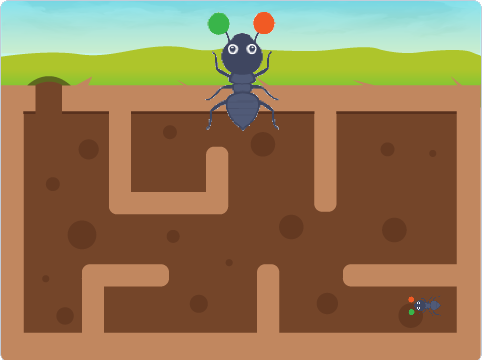
Lesson 11 – Smart Ant – Finding the Way
Help an ant navigate a maze using color detection and logic.
|

Lesson 12 – Match Hunt
Click matching clones in a crowd before time runs out.
|
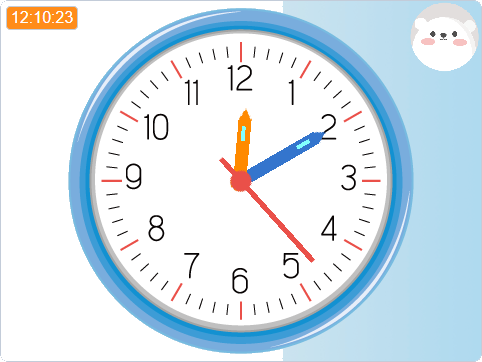
Lesson 13 – The Magic Clock
Build a guessing game with timers and math logic.
|
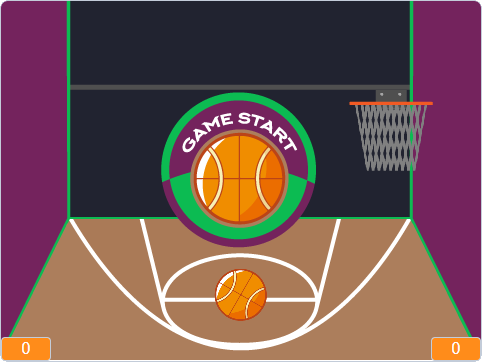
Lesson 14 – Basketball Shootout
Shoot hoops by solving math problems and tracking your tries.
|
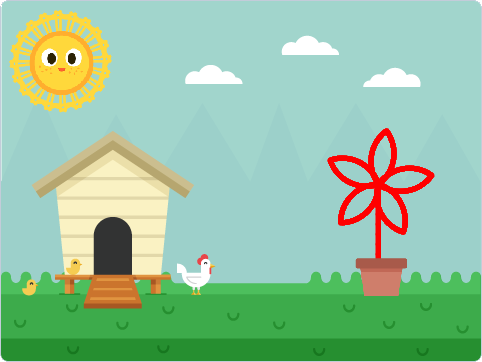
Lesson 15 – Drawing with Code
Use the pen tool to create fun and colorful shapes with code.
|
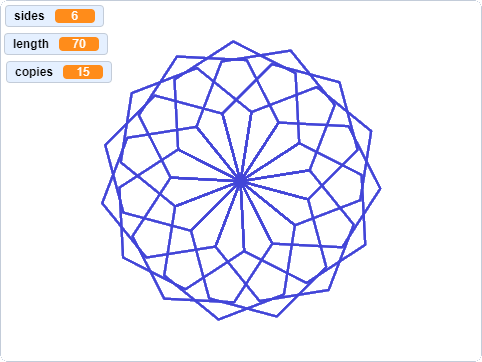
Lesson 16 – Polygon Painter
Build complex patterns using angles and repeated polygons.
|
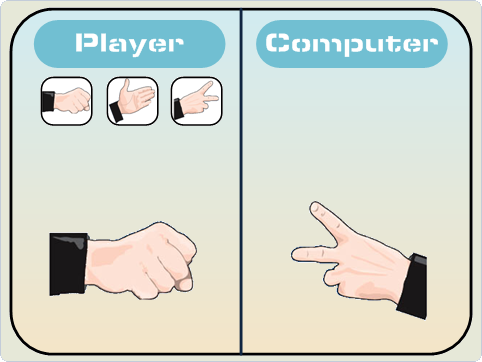
Lesson 17 – Rock, Paper, Scissors
Play against the computer using random choice and conditionals.
|
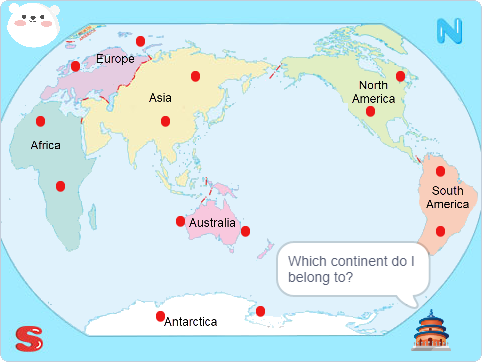
Lesson 18 – World Map Adventure
Drag famous landmarks to their correct locations on the map.
|
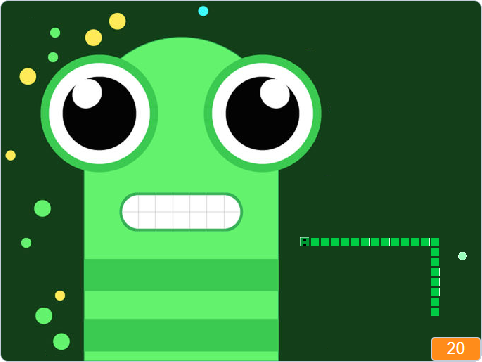
Lesson 19 – The Growing Snake
Create a simple snake game using clones and keyboard controls.
|
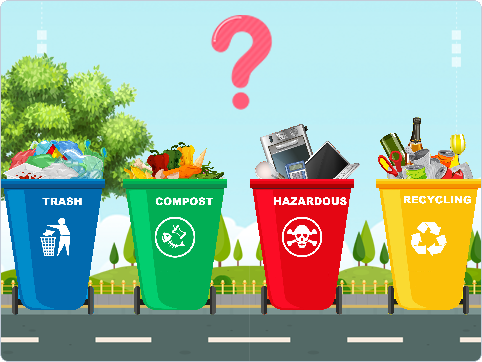
Lesson 20 – The Garbage Challenge
Sort different types of waste into the correct bins.
|
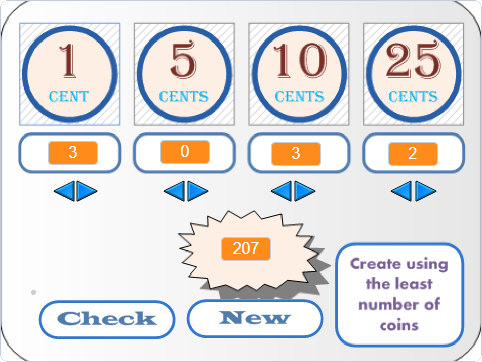
Lesson 21 – Match that Amount
Use coins to make the correct total with the fewest pieces.
|

Lesson 22 – Jump for It
Jump over obstacles and control sprite movement with realism.
|

Lesson 23 – Road Rush
Drive through a busy road, collecting stars and avoiding dangers.
|
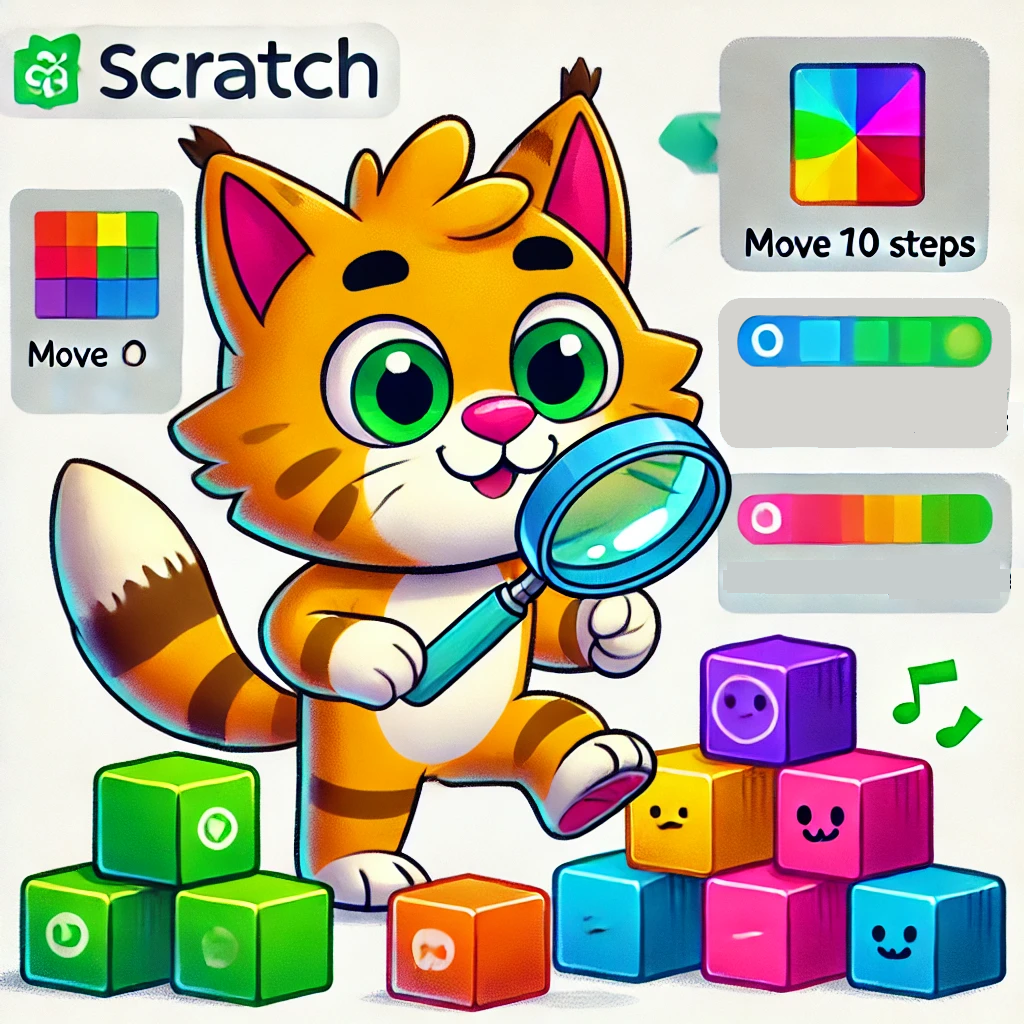
Lesson 24 – Concepts Review
Review key Scratch concepts through a quiz-style project.
|